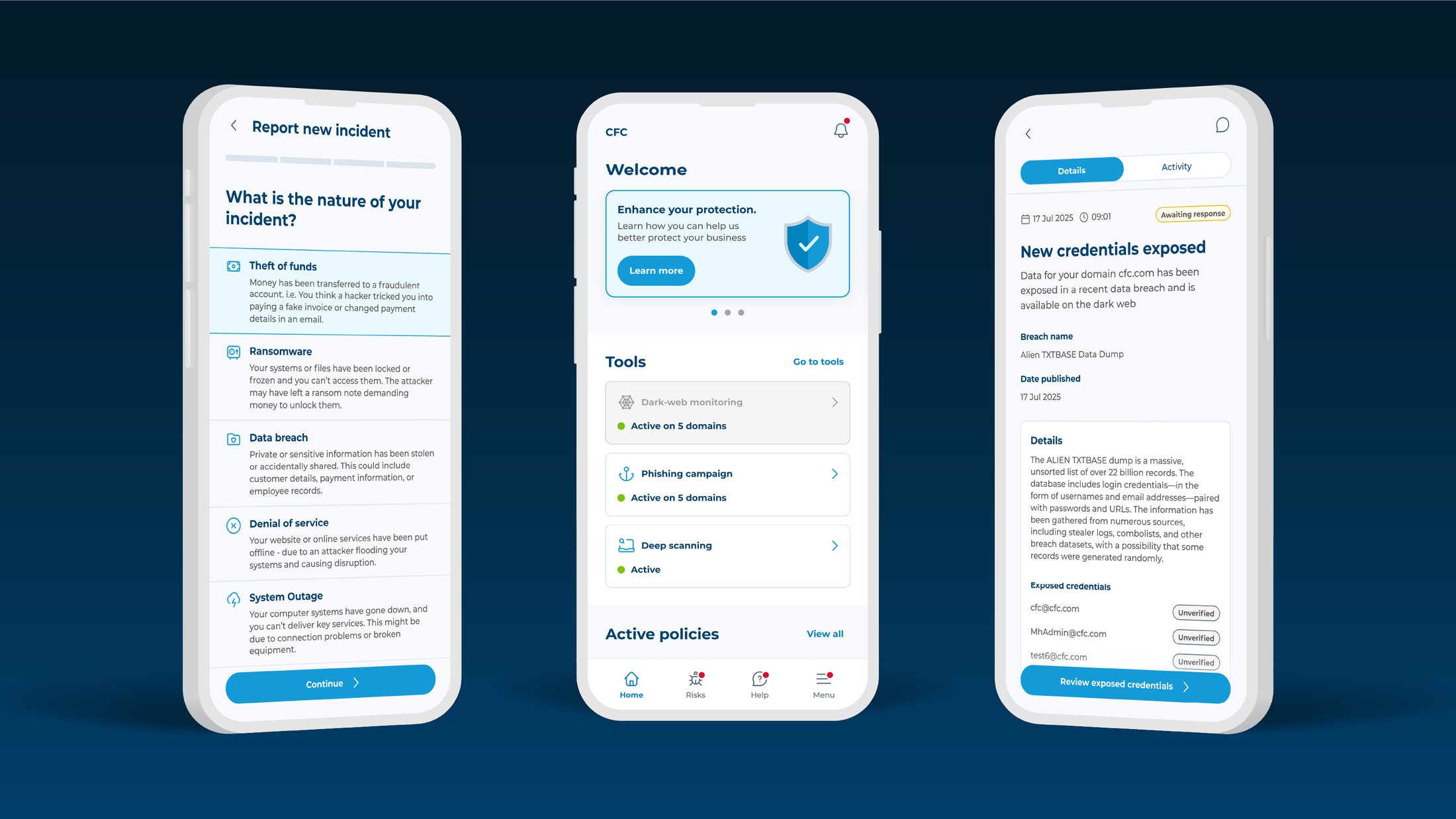
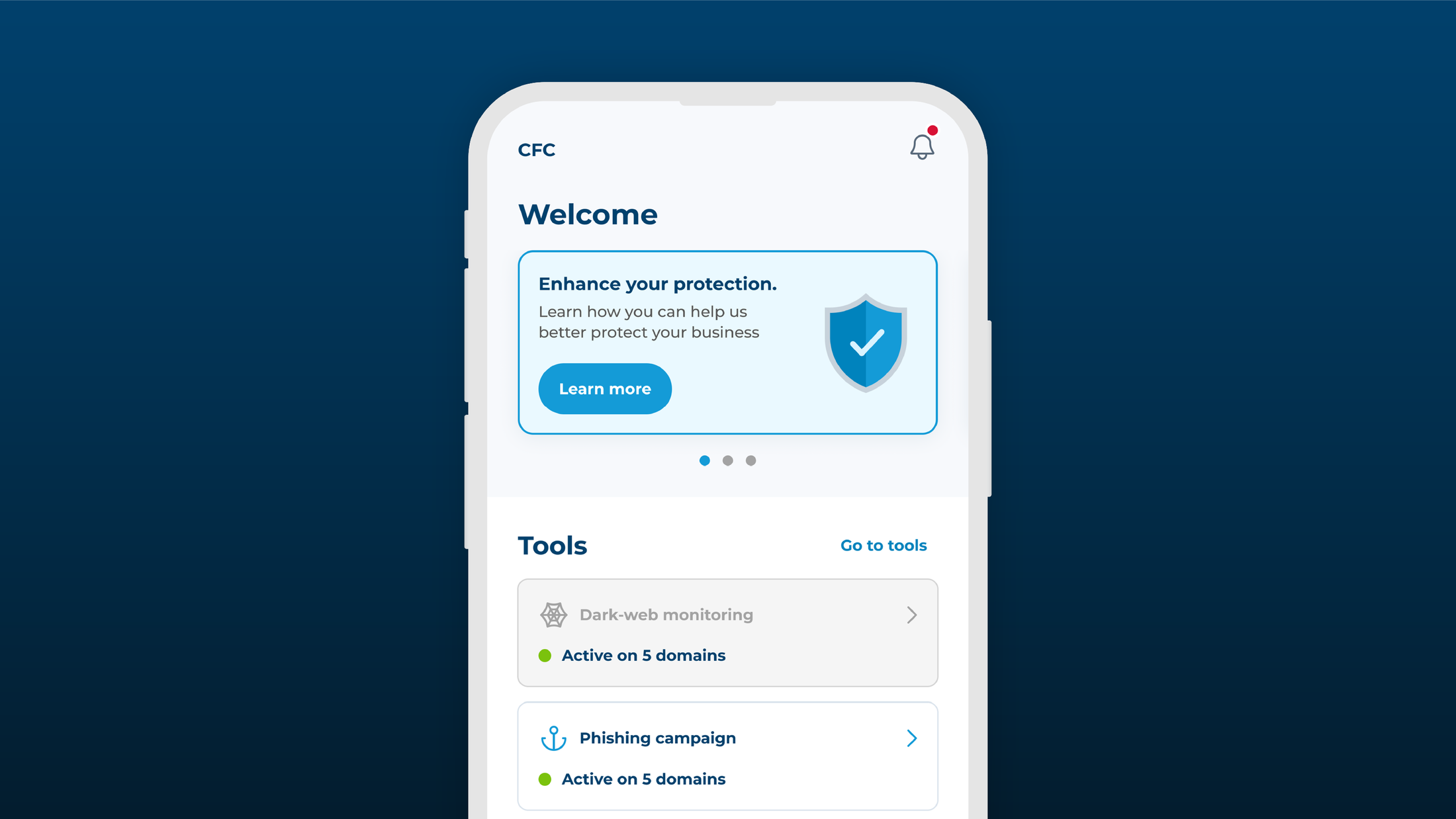
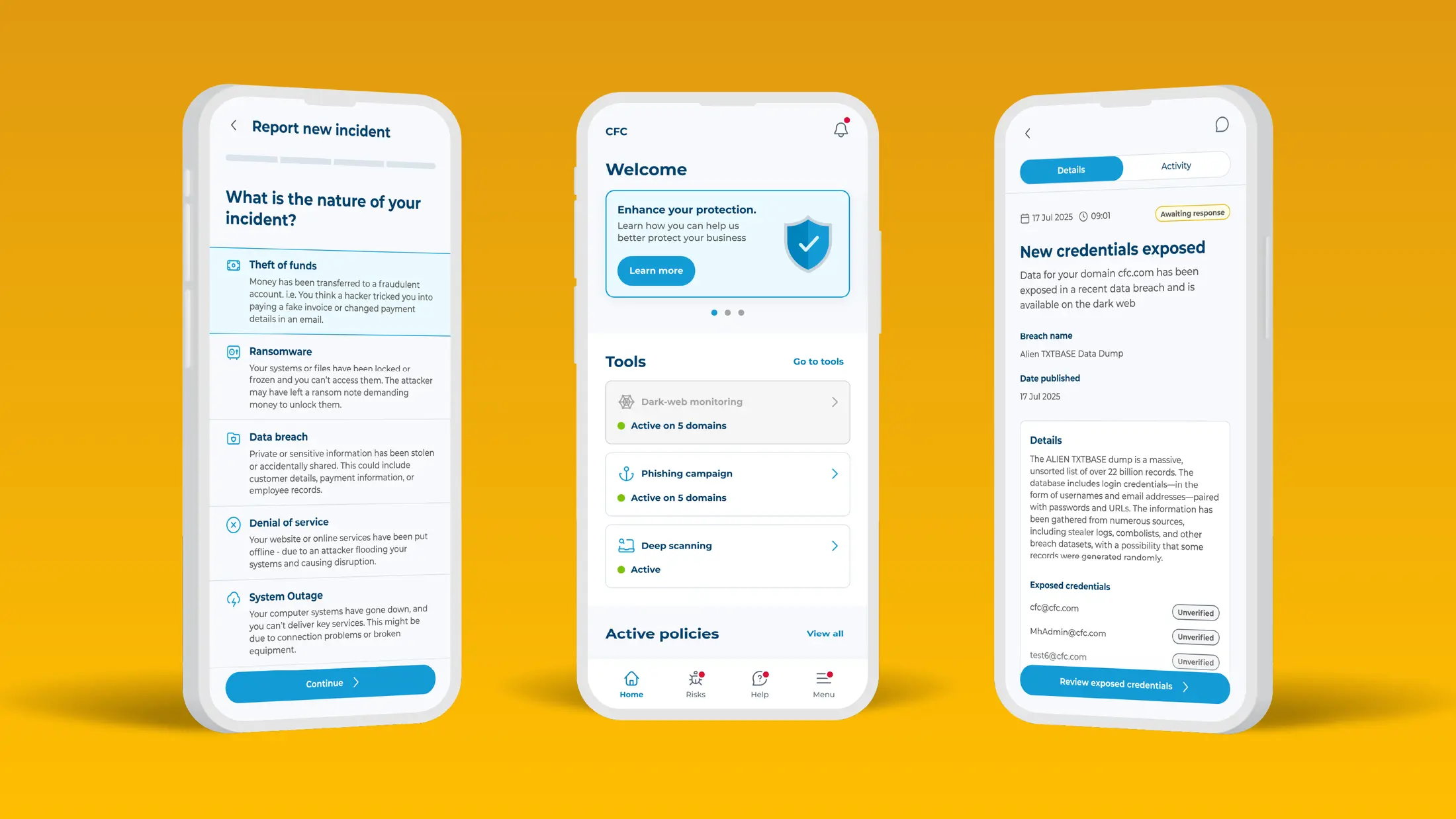
Cyber threats move fast and often without warning, making early detection one of the strongest – and typically the most expensive – forms of defense. That’s why every CFC cyber policy includes our proactive cyber attack prevention services as standard, working behind the scenes to spot risks and threats before they escalate. And when something is detected, policyholders receive a clear alert - complete with personalized remediation advice – straight to their Response app.
Critical threat alert FAQs
-
Where does the information behind each alert come from?
From the moment a policy is bound, our cyber security team work 24/7 to identify risks that could impact your client. By combining data from threat intelligence feeds, active threat hunting, vulnerability scanning and insights from our real-life claims data, we can uncover patterns, weaknesses and malicious activity that genuinely matter and could lead to a cyber incident.
This monitoring runs continuously in the background as part of the policy. And when we do find something relevant, we only alert you if it represents a real, material risk with a high potential of leading to an incident.
-
How do you determine if a threat will impact a certain client?
Not every vulnerability or threat needs urgent attention. The cyber landscape is full of noise, and most issues never turn into real‑world attacks. That’s why we validate every finding before we alert any at risk policyholders.
If our systems detect something affecting your client, our cyber security team assesses whether the threat is credible, being actively exploited, and has genuine potential to cause harm. Only when those conditions are met do we issue an alert, ensuring every notification is meaningful and worth acting on.
-
What should you expect in a critical threat alert?
Every alert delivered through the CFC Response app is designed to be simple, clear and immediately actionable.
Each alert includes:
- A summary of what we found, outlined in plain language.
- How the threat could affect systems, giving context to make clear the potential impact.
- Practical steps to remediate or secure the issue fast.
- Additional guidance if the threat is linked to active attacks or current claims trends.
Unlike some other providers, CFC alerts are only sent for threats that could realistically lead to a claim or serious disruption. That’s why it’s essential to follow the recommended steps. They can be the difference in minimizing or even avoiding an incident.
-
Is the Response app the best way to receive and act on alerts?
Yes! The Response app should be downloaded by the individuals responsible for cyber insurance and the security of the business – this creates a direct line of communication, ensuring urgent advice is going direct to the right person who can action it the fastest. In any cyber attack, time is of the essence, so it’s crucial to make protective actions as fast as possible.
Through the app, policyholders can also use the 24/7 ‘Ask the Expert’ chat to access CFC’s technical cyber experts at any time – whether it’s for help remediating an issue or an answer to any other technical cyber queries.
Help clients get the most from their cyber policy
Critical threat alerts are one of the most valuable parts of your client’s cyber policy. Backed by world-class monitoring and intelligence, every threat alert conveys a genuine threat that needs urgent action – cutting through the noise and helping to keep our policyholders safe.
Download the CFC Response app from the App Store or Google Play. Clients register with their corporate email and brokers can use the code DEMOCFC000 to access the demo version.